What it does
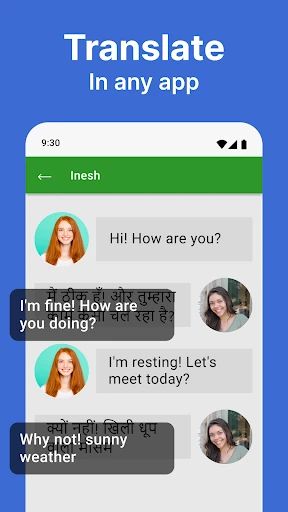
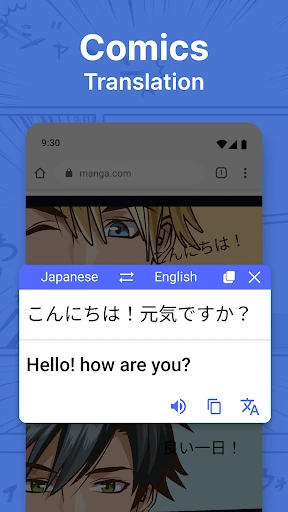
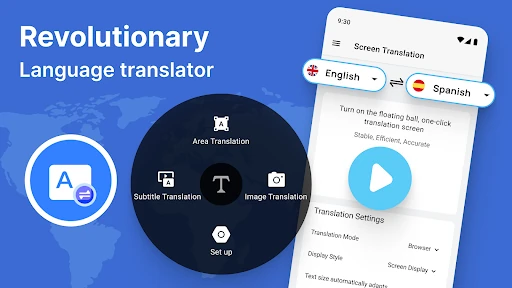
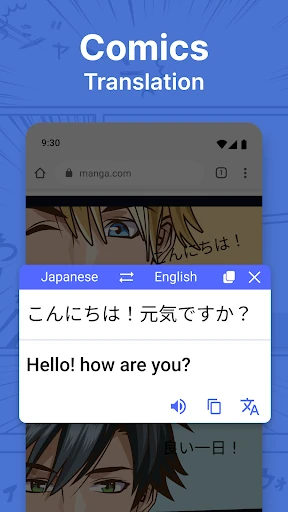
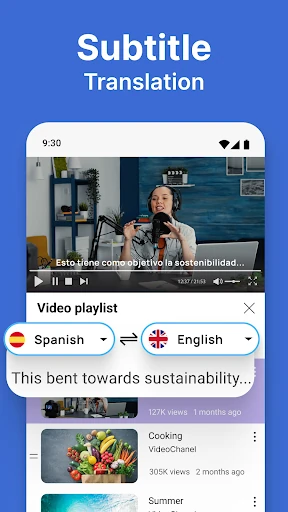
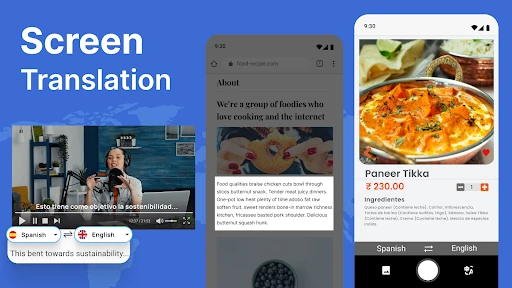
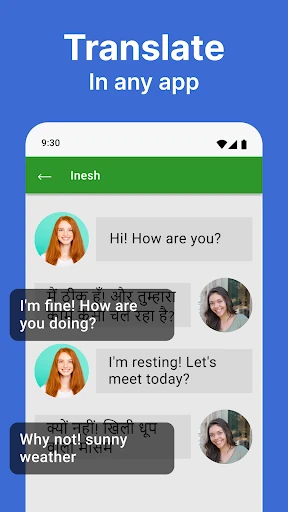
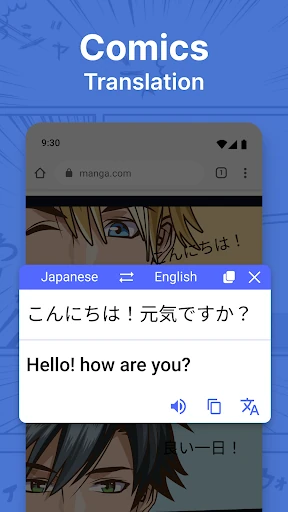
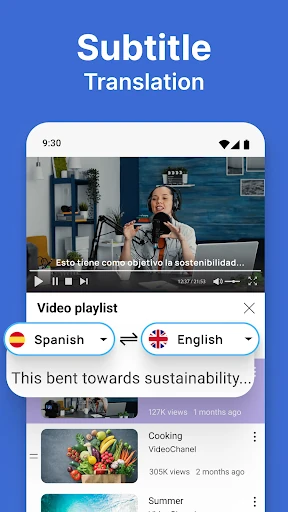
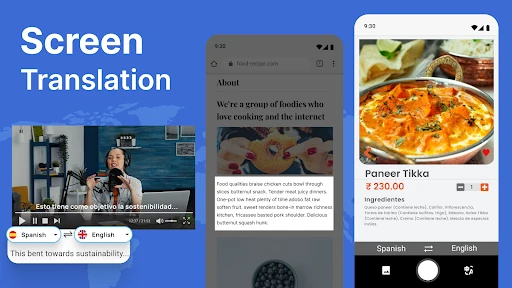
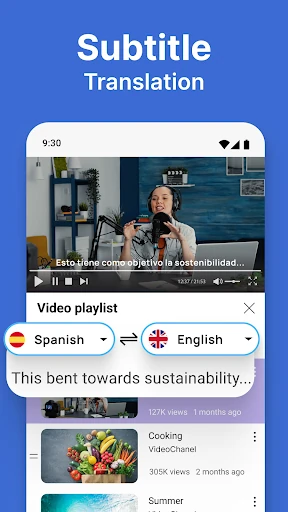
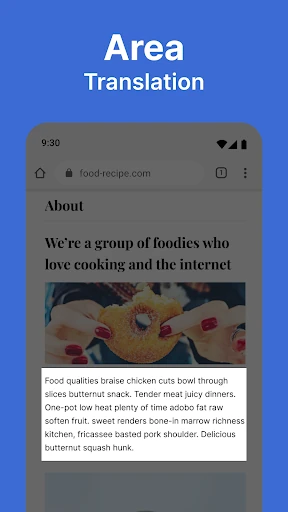
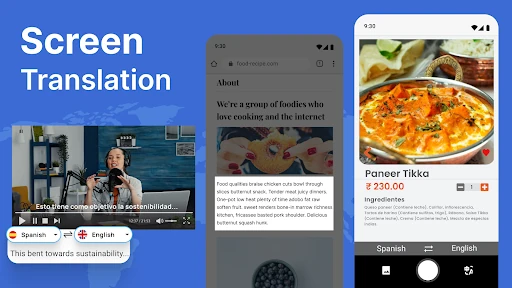
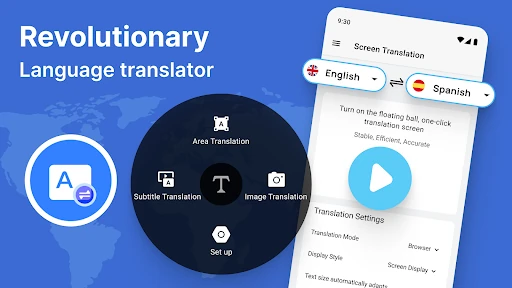
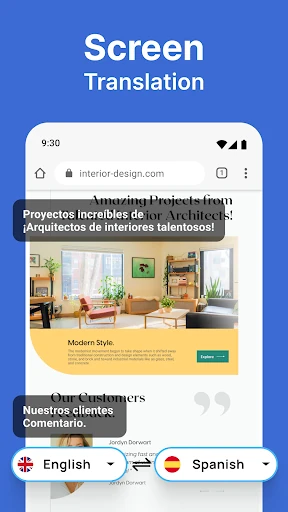
Screen and Photo Translator turns text in pictures and on your phone screen into translated text. It suits someone who needs to understand a menu, sign, label, game dialogue or text inside another app without typing every word by hand. The listing places it in Education, but its role is practical translation rather than a structured language course.
Using it day to day
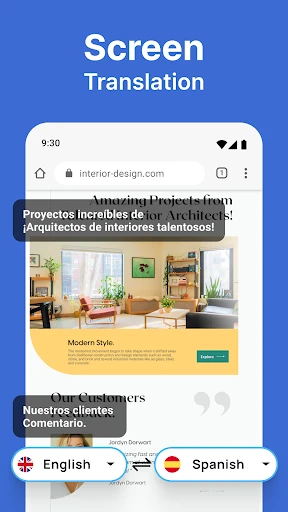
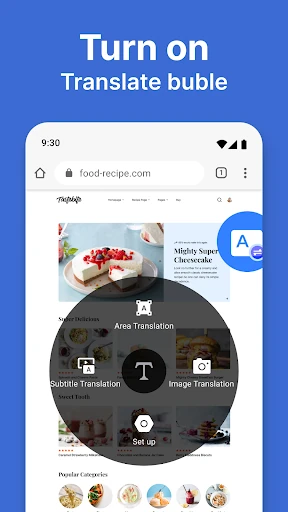
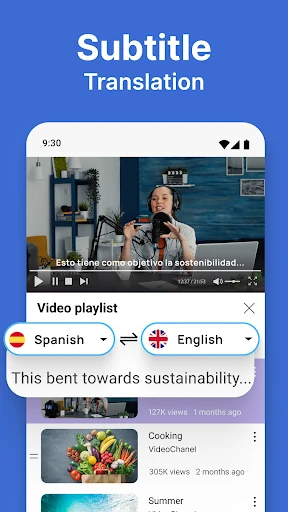
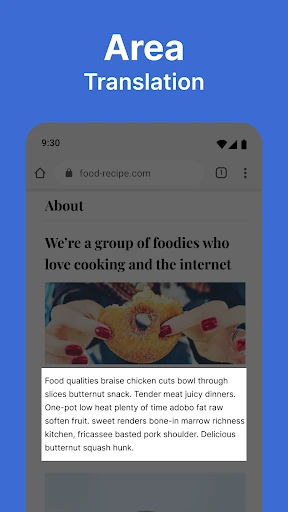
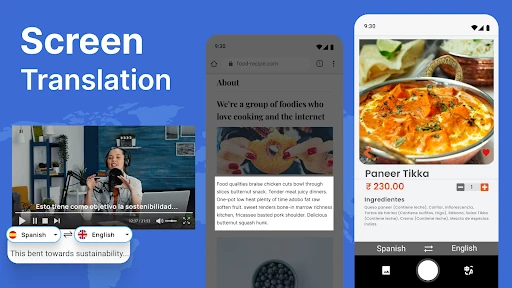
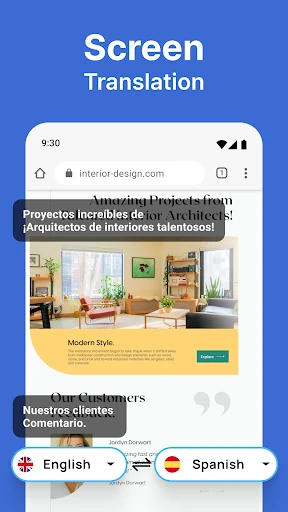
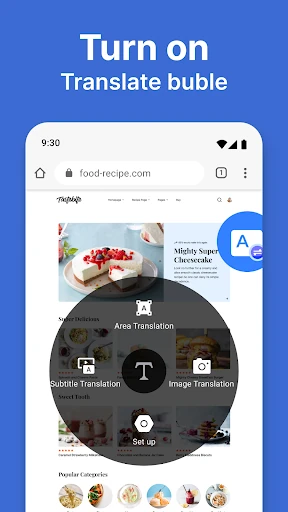
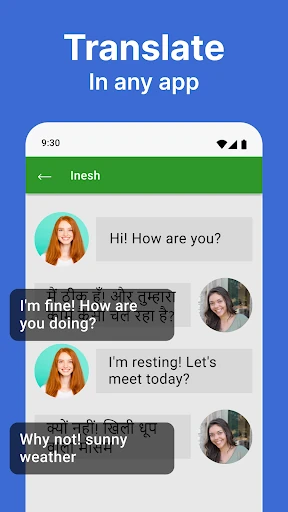
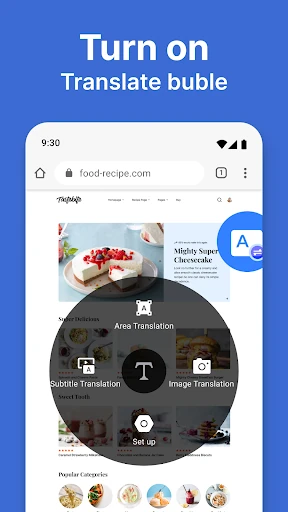
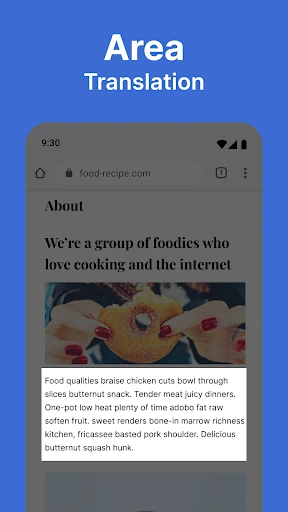
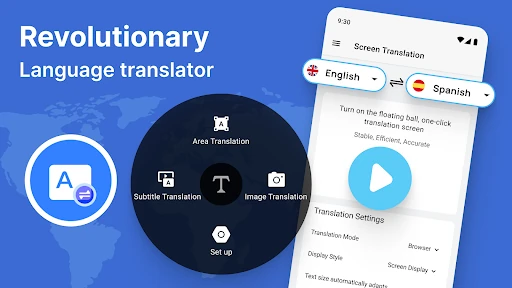
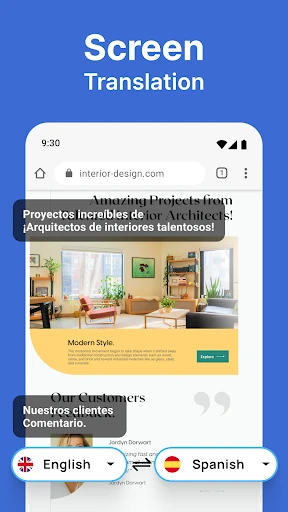
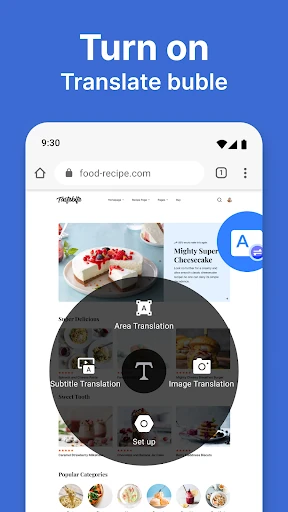
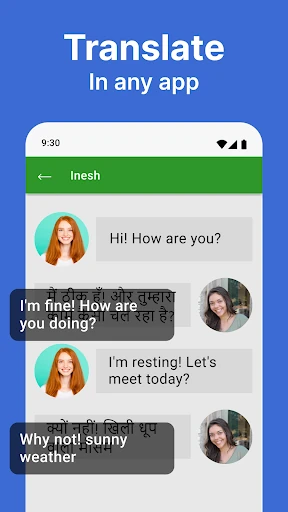
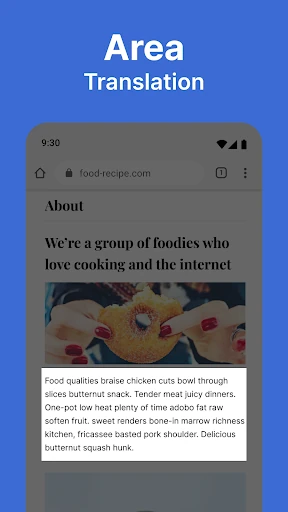
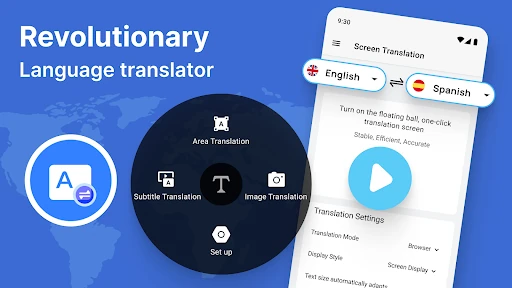
For printed text, the basic task is to point the camera at the words or use a photo. For digital text that cannot be selected, the app is designed to translate what is visible on the screen. That can be handy when switching between apps or copying text is awkward. Results depend on the app being able to read the source clearly: blurry images, unusual type or crowded layouts may make text harder to recognize.
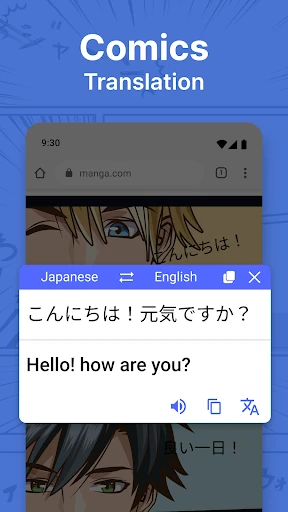
The reference describes support for more than 100 languages. That gives the app a broad range of potential uses, but language coverage alone does not guarantee a reliable translation in every situation. Treat the result as a quick aid, especially when a phrase is important or its meaning depends on context.
What to expect
This is a utility for getting the gist of text, not a substitute for a teacher, dictionary or careful human translation. You bring it text from the physical world or another app; it handles recognition and translation. In return, you need to give it something readable to work with and check the wording when a misunderstanding would matter. Its screen-reading purpose also makes access to on-screen content relevant to how you use it.
Popularity and fit
Screen and Photo Translator has a 4.2 rating from about 48,000 reviews and more than 5 million installs. Those figures suggest many people have tried it, though they do not tell you whether it will read your particular text well. The developer is Battery Stats Saver. Consider it if you often encounter text you cannot readily select or type; look elsewhere if you want lessons, grammar practice or a complete language-learning plan.