Advertisement
Click to download now, finish the installation quickly, and directly unlock the all-round experience
Advertisement
Screenshots
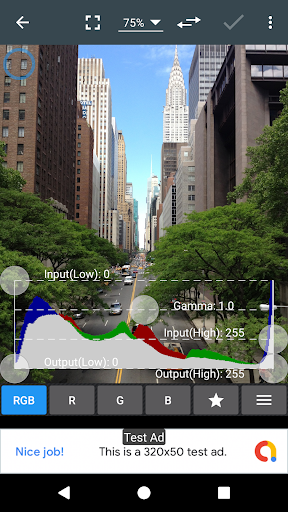
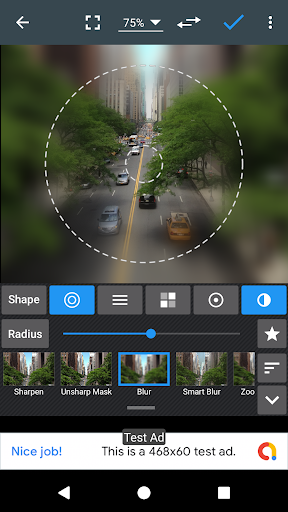
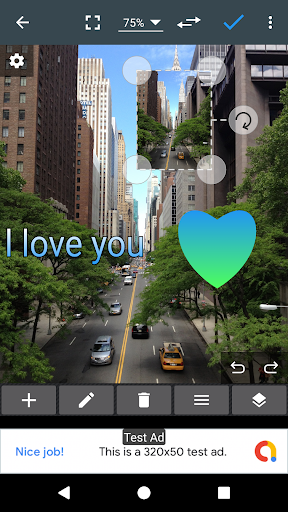
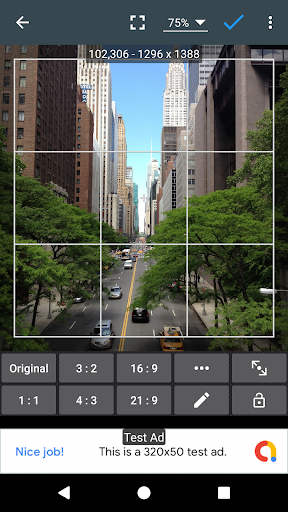
Click to download now, finish the installation quickly, and directly unlock the all-round experience
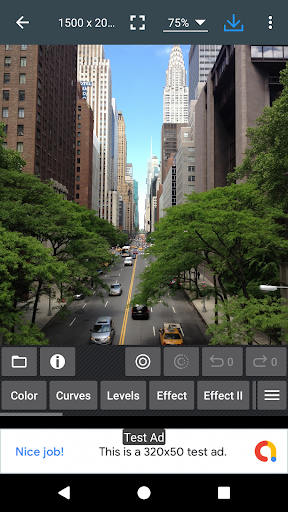
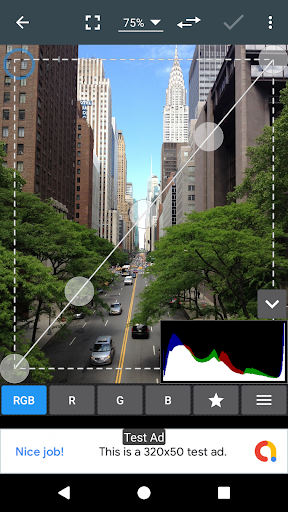
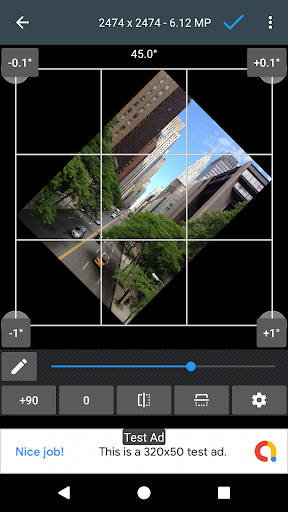
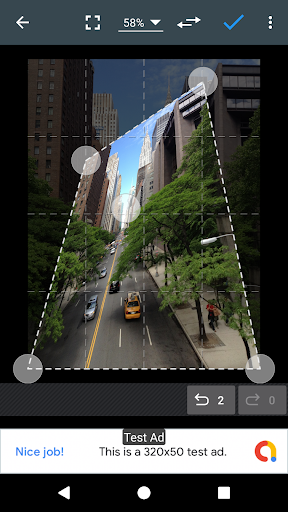
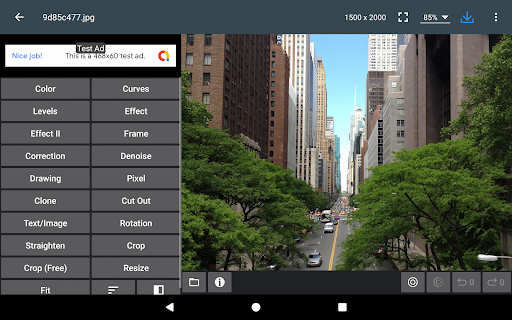
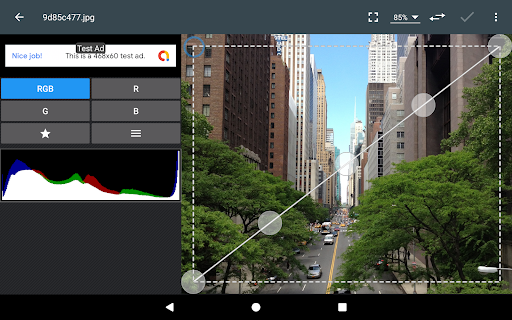
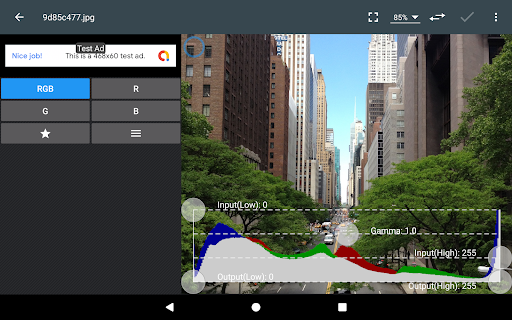
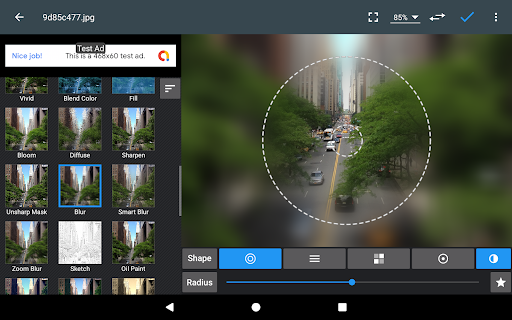
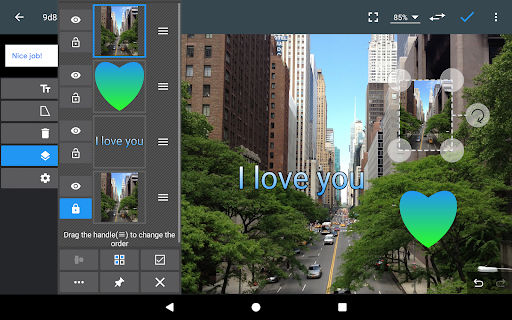
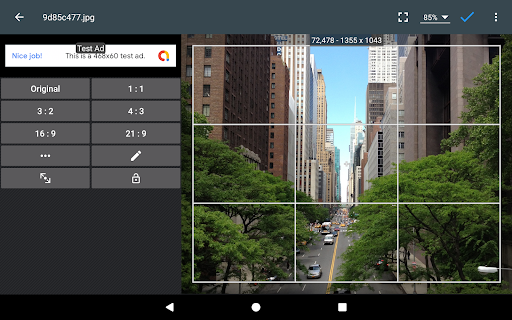
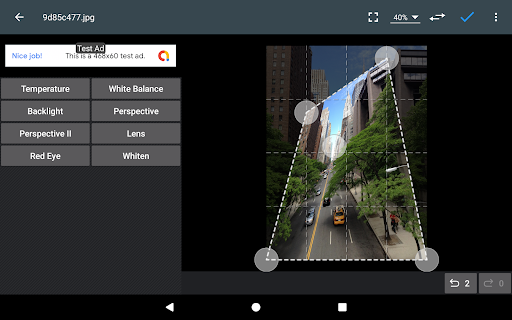
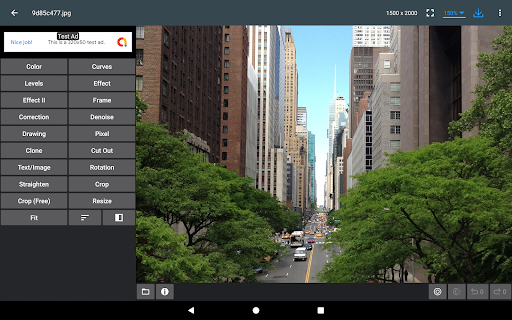
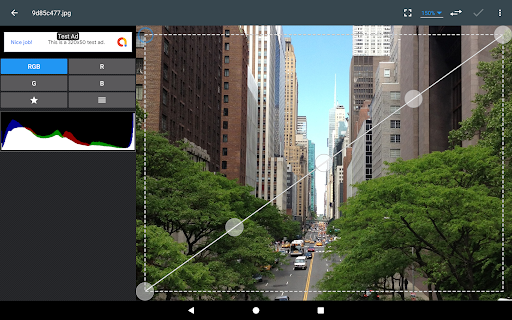
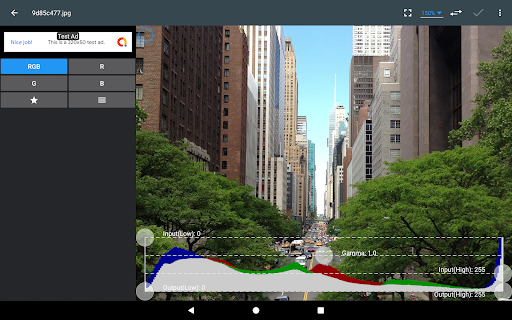
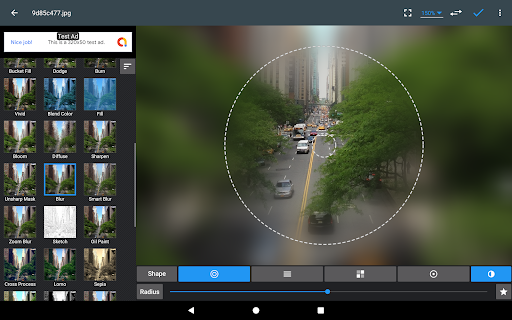
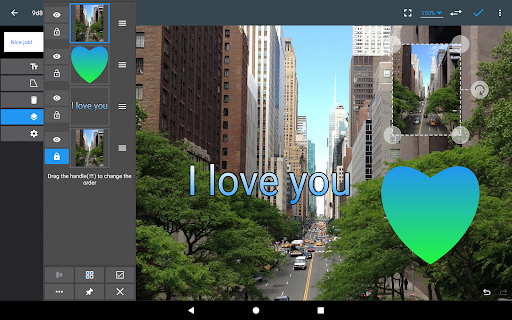
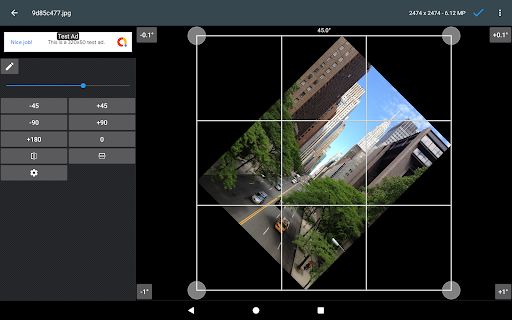
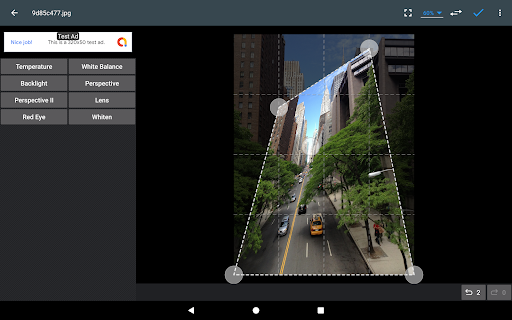
Photo Editor is a mobile image-editing app from dev.macgyver for people who want more than a quick filter. It covers everyday adjustments such as exposure, brightness, contrast, colour temperature and cropping, alongside more involved controls for curves, levels, perspective and lens correction. You can also add text, images or shapes, draw on a picture, remove red-eye, sharpen or blur, and try effects such as sketch, sepia and black and white.
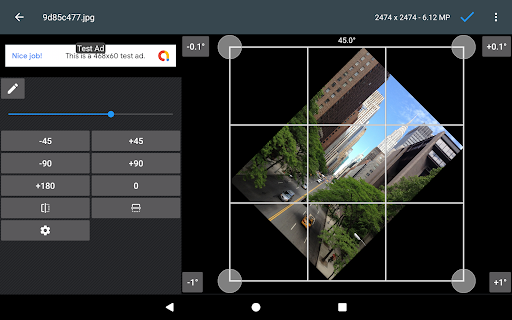
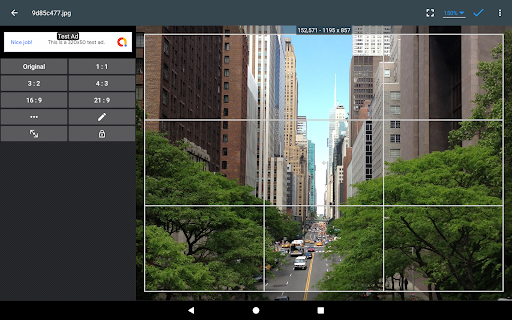
Choose an image and work through the available adjustments using touch controls, including pinch-to-zoom. The range is wide, so it may take some exploring to find a particular tool; this suits people who like to tune an image themselves more than anyone looking for a single automatic finish. You can crop, rotate, straighten or resize, then save the result in formats including JPEG, PNG, GIF, WebP and PDF. The app also offers tools for batch editing, making animated GIFs and creating PDFs.
The app can view and edit photo metadata, including EXIF, IPTC and XMP information. Other tools include comparing photos, extracting frames from GIFs and capturing webpages, video or PDFs. Those extras make it useful for varied image tasks, though they add to an already substantial set of options. Finished images can be saved to the gallery, set as wallpaper or shared.
With a 4.4-star rating from about 498,000 reviews and more than 50 million installs, Photo Editor has a large established audience. It is a practical fit for people who want image corrections, creative effects and file-related tools in one app. An ad-free option is available through the app’s purchase settings, so removing ads may involve a purchase.