Advertisement
Click to download now, finish the installation quickly, and directly unlock the all-round experience
Advertisement
Screenshots
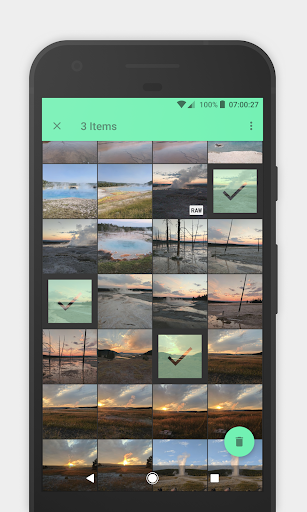
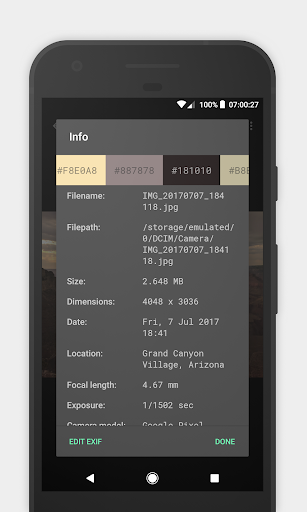
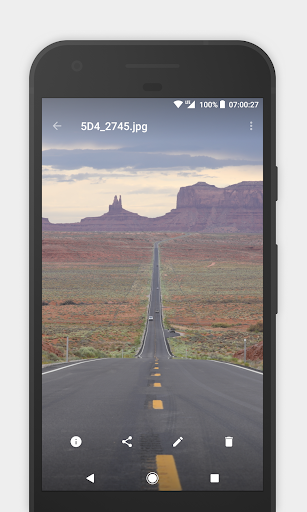
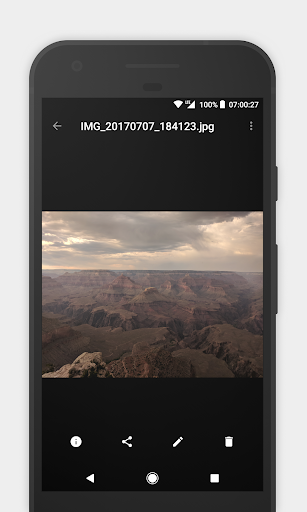
Click to download now, finish the installation quickly, and directly unlock the all-round experience
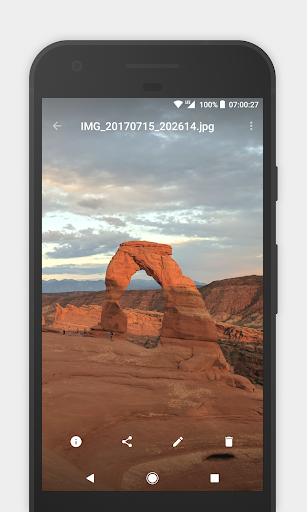
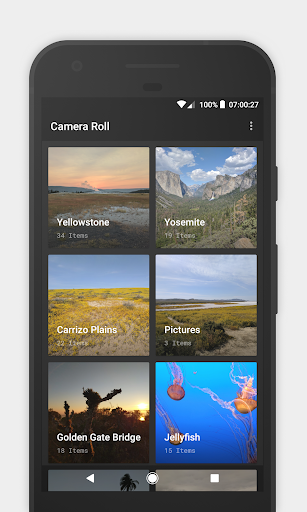
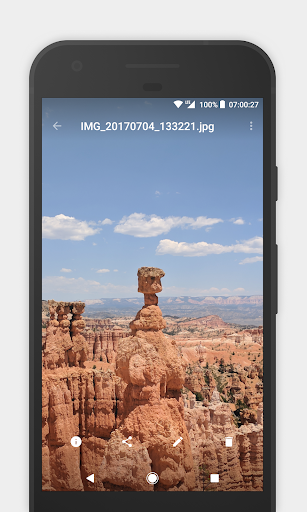
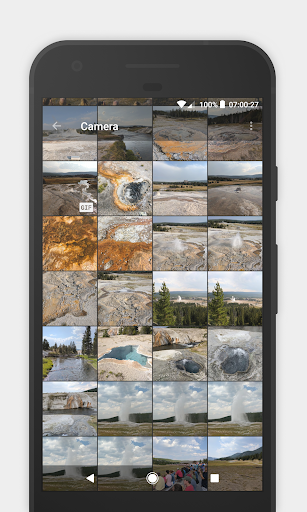
Camera Roll - Gallery is for browsing photos, GIFs and videos stored on your device, with tools for working directly with their folders. It suits people who want more than a camera-photo timeline: you can explore storage, bring folders together into virtual albums, and copy, move or delete files without using a separate file manager.
On a first pass, expect to browse your existing media and folders rather than set up a new photo library. Virtual albums combine multiple directories without moving or copying the originals, which can help when related images live in different places. The app can also show hidden folders, so the view may include media that other gallery apps leave out.
For individual images, Camera Roll can display and edit EXIF data. That is useful if you care about the information attached to a photo, but it makes this more hands-on than a gallery meant only for casual viewing. Its file tools are practical, too; take care when moving or deleting items, since those actions affect files rather than just their place in an album.
This is a reasonable fit for someone who keeps media across several folders or wants to inspect and manage files on device storage or an SD card. If you mainly want automatic cloud backup, sharing features or a guided photo-organizing service, the supplied feature set does not point to those as the focus.
Developer Lukas Koller’s Photography app has 500,000+ installs and a 3.5 rating from 3,291 ratings. Those figures suggest an established gallery, but not one that is universally liked. Its appeal is clearest if you value direct access to folders and file controls; a simpler viewer may suit you better if you prefer not to manage media yourself.